
Your First AI Hire: What to Expect When You Add an AI Developer to Your Team
Thinking about hiring an AI developer? Here's what it actually looks like to add an autonomous AI team member to your engineering workflow.
Synlets Team
Product
January 28, 2026
5 min read
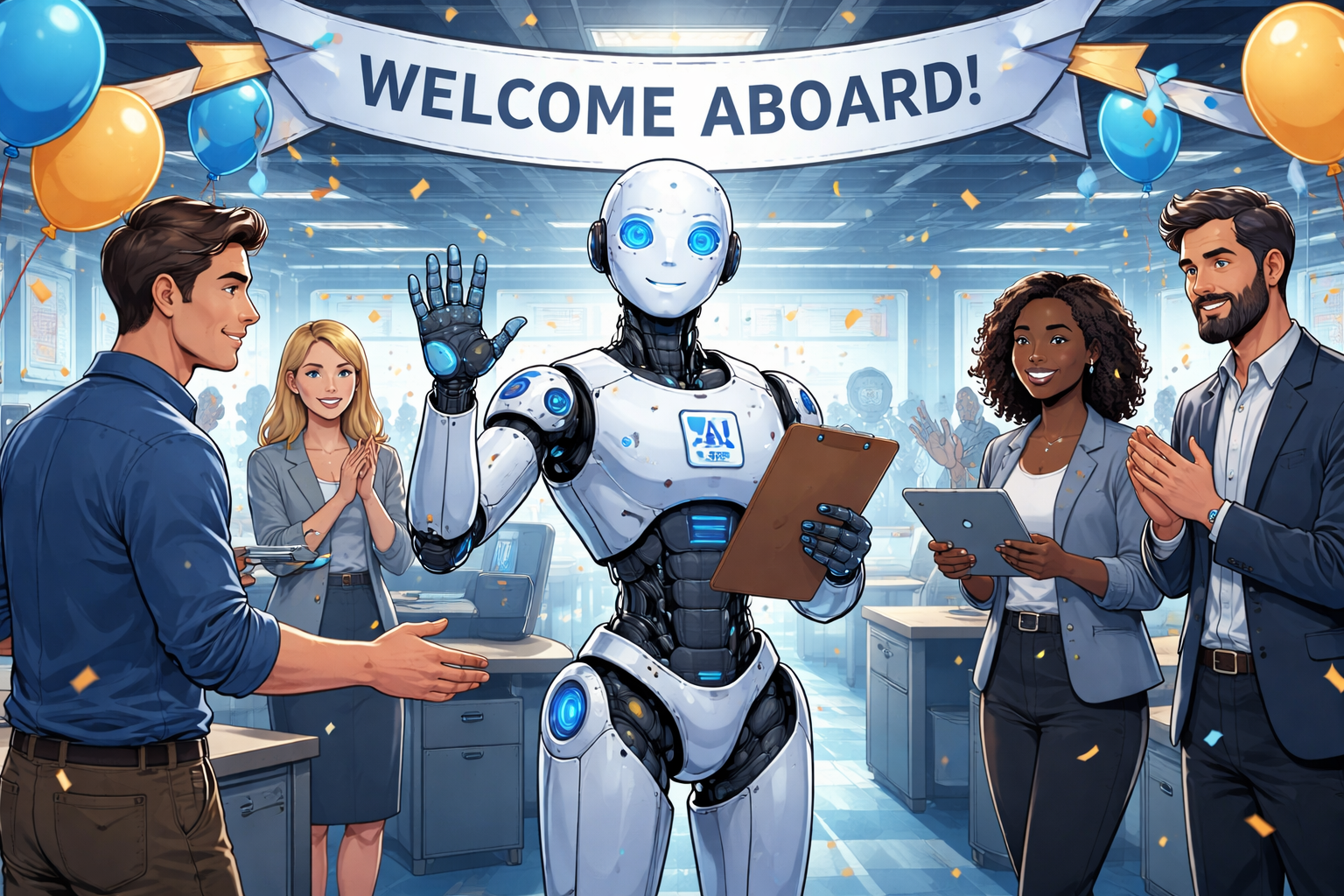
Your First AI Hire: What to Expect When You Add an AI Developer to Your Team
You've heard the pitch: AI that writes code. But what does it actually look like to hire an AI developer? Not as a novelty, but as a real member of your engineering team.
This guide walks you through what to expect when you make your first AI hire.
What "Hiring an AI Developer" Actually Means
Think of it less like installing a tool and more like onboarding a new team member who happens to work 24/7.
Your AI developer connects to your existing workflow — GitHub or GitLab for code, Jira, Asana, Linear, or GitHub Issues for tasks, and your Confluence or Notion docs for context. You assign tickets, it delivers pull requests.
The Onboarding Process
Week 1: Connect and Configure
Just like any new hire, your AI developer needs access to your systems:
- Repository access — Connect GitHub or GitLab
- Task management — Link Jira or your preferred tool
- Context documents — Share your Confluence pages, Notion docs, or architecture guidelines
Time investment: About 15 minutes.
Week 2: First Assignments
Start with low-risk, well-defined tasks:
- Bug fixes with clear reproduction steps
- Adding tests for existing functionality
- Documentation updates
- Small feature additions with detailed specs
Pro tip: Your AI developer works best with clear acceptance criteria. The better the ticket, the better the output.
Week 3: Build Trust
Review the PRs carefully. You'll notice:
- Code follows your existing patterns
- Commit messages match your conventions
- PR descriptions explain the changes clearly
This is where you calibrate. Give feedback on PRs just like you would with a junior developer. The agent learns your preferences.
Week 4: Scale Up
Once you trust the output, increase the workload:
- Assign multiple tickets in parallel
- Include more complex tasks
- Let it handle the routine work that's been piling up
What Your AI Developer Is Good At
The sweet spot is routine, well-defined work — bug fixes, test coverage, refactoring, dependency updates, documentation, and compliance changes. Tasks where the requirements are clear and the patterns already exist in your codebase.
What stays with your human team? Architecture decisions, ambiguous requirements, cross-team coordination, and performance work that needs profiling. The creative, judgment-heavy stuff.
It Reviews Code Too
Your AI developer doesn't just write code — it reviews it.
When your team opens a pull request, the AI agent can automatically:
- Review changes against your codebase standards and conventions
- Flag potential issues — bugs, security concerns, missing edge cases
- Create a child PR with fixes — not just comments, but actual code changes against your branch that you can review and merge
- Respond to context — understands your architecture, not just syntax
Think of it as having a senior engineer available for every PR, at any hour. When it finds issues, it doesn't just point them out — it creates a child PR with the fixes so you can review and merge them into your branch. No back-and-forth. No manual corrections.
The result: faster review cycles, more consistent code quality, and engineers who aren't spending half their day reviewing routine PRs.
The Economics
Let's talk numbers.
Traditional hire:
- Salary: $120k-200k/year
- Ramp time: 3-6 months to full productivity
- Availability: ~1,800 hours/year (accounting for PTO, meetings, context switching)
AI developer:
- Cost: ~$500-2,000/month depending on usage
- Ramp time: Days, not months
- Availability: 24/7, handles tasks in parallel
The math isn't "replace your team." It's "multiply your team's capacity."
One AI developer handling routine tasks can free up 10-20 hours per week across your human engineers. That's 10-20 hours of senior engineering time redirected to architecture, mentoring, and complex problems.
Common Concerns (And Honest Answers)
"Will it write bad code?"
Sometimes. Just like any developer. That's why you review PRs. The difference: bad AI code is consistently bad in predictable ways. You catch patterns quickly.
"Will my team feel threatened?"
The engineers who've adopted AI developers report the opposite. They're relieved to offload grunt work. Nobody became an engineer to update 147 API endpoints manually.
"What about security?"
Your AI developer has the same access as any team member. Audit logs track every action. Code still goes through your review process. You maintain control.
"What if it makes mistakes in production?"
It can't. AI developers create PRs. Humans review and merge. Nothing reaches production without your approval.
Getting Started
Ready to make your first AI hire?
- Start small — Pick one repository, assign 3-5 tickets
- Define clearly — Write tickets with clear acceptance criteria
- Review carefully — Treat PRs like you would from any new hire
- Scale gradually — Increase workload as trust builds
The future of engineering teams isn't human vs. AI. It's human + AI, each doing what they do best.
Your first AI hire might feel strange. By your second month, you'll wonder how you worked without one.
Keep reading:
- Getting Started with Synlets — Step-by-step setup guide for your first AI teammate
- What is an Autonomous AI Developer? — The category defined
- Why Your Best Engineers Shouldn't Be Reviewing Routine PRs — Let AI handle the first pass
More from the blog
Synlets vs Cursor: AI Agents That Ship PRs vs an AI Code Editor
Synlets vs OpenClaw: Managed AI Agents vs Self-Hosted Open Source
© 2026 Synlets. All rights reserved.