
AI Ticket Creation: Better Requirements in Minutes, Not Hours
Writing good tickets takes hours. Our AI chat interface scans your codebase and knowledge base to generate well-defined tickets — technical or business-focused — ready to assign.
Synlets Team
Product
February 8, 2026
7 min read
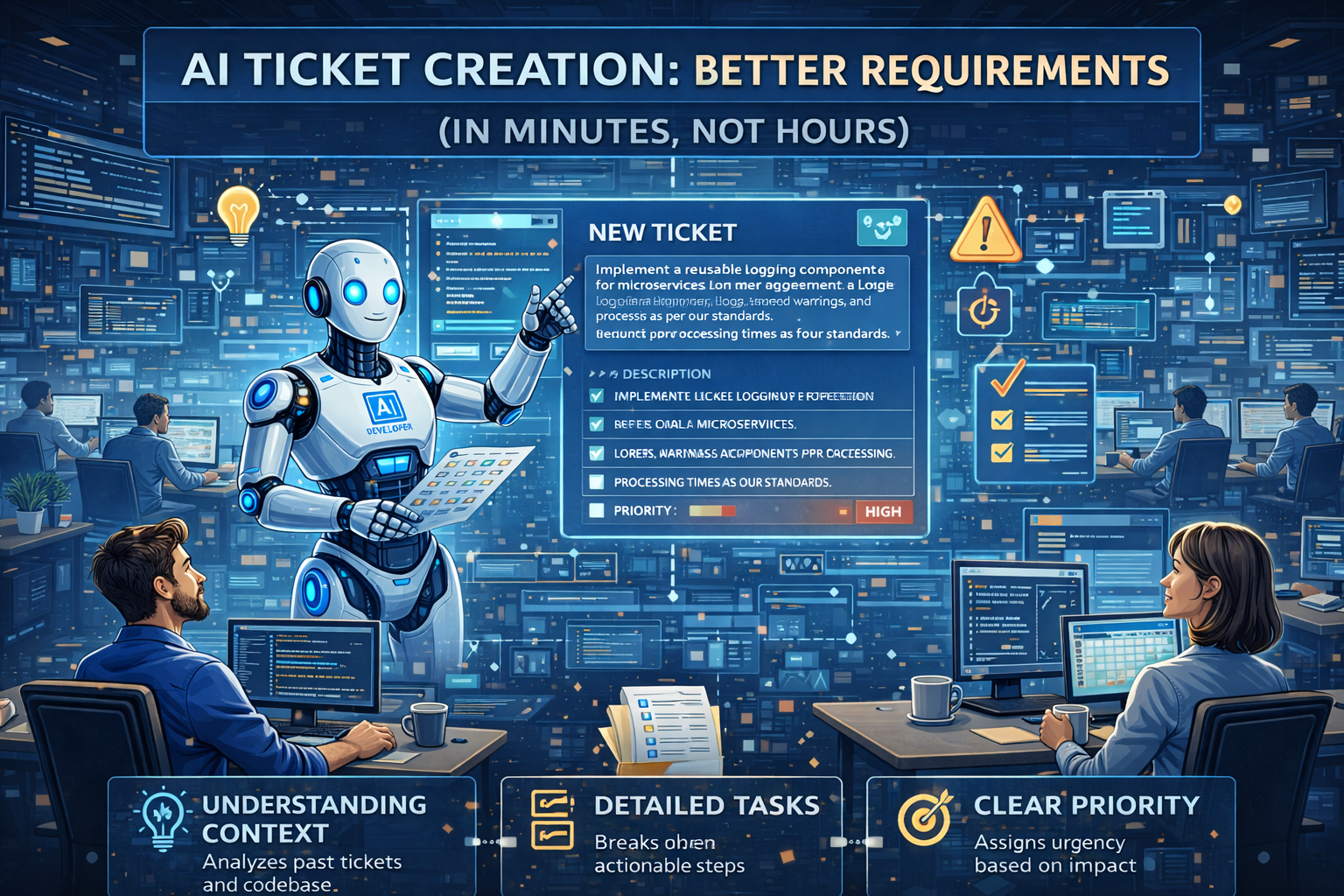
AI Ticket Creation: Better Requirements in Minutes, Not Hours
The best engineering tickets share one thing in common: context. They explain not just what to build, but where it fits, how it should work, and why it matters.
The problem? Writing those tickets takes forever.
PMs dig through docs. Engineers ask clarifying questions. Stakeholders go back and forth. By the time everyone agrees on what the ticket means, hours have passed — and the work hasn't even started.
What if you could describe what you need in plain language, and get a well-defined ticket in minutes?
The Old Way: Vague Tickets, Endless Clarification
You've seen this pattern:
Title: Fix login bug
Description: Users are having trouble logging in. Please fix.
An engineer picks this up. What happens next?
- "Which users? All users or specific ones?"
- "What error are they seeing?"
- "Which login flow — email, OAuth, SSO?"
- "Is there a specific browser or device?"
- "Can you share reproduction steps?"
Three days of back-and-forth before anyone writes a line of code.
Or the opposite — an over-engineered ticket that took a PM two hours to write, only for the engineer to say "actually, looking at the code, we should do it differently."
The context gap between what someone wants and what the codebase needs is where tickets go to die.
The New Way: AI That Knows Your Code
Synlets Ticket Creation is a chat interface connected to your entire project context:
- Your repositories — The AI sees your codebase structure, patterns, and conventions
- Your knowledge base — Confluence, Notion, architecture docs, API specs
- Your existing tickets — Past implementations, decisions, and context
When you describe what you need, the AI doesn't just capture your words. It scans the relevant parts of your codebase, references your documentation, and generates a ticket that's actually implementable.
How It Works
1. Describe What You Need
Just talk to it like you'd explain to a colleague:
"We need to add rate limiting to the payments API. Users are hitting our Stripe integration too frequently and we're getting throttled."
Or more business-focused:
"Customers are asking for a way to export their data as CSV. Should work for both transactions and user activity."
No template. No required fields. Just describe what you're trying to accomplish.
2. AI Pulls Context Automatically
The agent scans your codebase to understand:
- Where the change belongs — Which files, modules, or services are relevant
- Existing patterns — How similar features were implemented before
- Dependencies — What other code might be affected
- Technical constraints — API structures, database schemas, authentication flows
It also references your knowledge base:
- Architecture decisions that affect the implementation
- Coding standards and conventions
- API documentation and specs
- Previous tickets that solved similar problems
3. Get a Well-Defined Ticket
The output is a complete, implementable ticket:
Title: Add rate limiting to Payments API endpoints

Description:
Implement rate limiting for the Stripe integration endpoints to prevent
API throttling. Based on current usage patterns and Stripe's limits.

Acceptance Criteria:
- [ ] Add rate limiting middleware to /api/payments/* routes
- [ ] Limit: 100 requests per minute per user
- [ ] Return 429 Too Many Requests with Retry-After header when exceeded
- [ ] Log rate limit violations to monitoring (follows existing pattern in
      src/middleware/logging.ts)
- [ ] Add rate limit status to response headers (X-RateLimit-*)

Technical Notes:
- Use existing Redis instance for rate limit storage (see config/redis.ts)
- Follow middleware pattern established in src/middleware/auth.ts
- Stripe webhook endpoints should be excluded from rate limiting

Related Files:
- src/api/payments/routes.ts
- src/middleware/rateLimit.ts (create new)
- src/config/redis.ts

Related Documentation:
- API Rate Limiting Standards (Confluence)
- Stripe Integration Architecture (Notion)
All the context. All the technical details. Ready to assign — no clarification needed.
Technical or Business — Your Choice
The AI adapts to who's writing the ticket.
For Product Managers
Describe the user problem and business outcome. The AI translates it into technical requirements:
"Users want to see their subscription status on the dashboard. They keep asking support when their plan renews."
Becomes a ticket with specific UI components, API endpoints to call, and data fields to display.
For Engineering Leads
Describe the technical change. The AI fills in implementation details:
"We need to migrate from REST to GraphQL for the user profile endpoints."
Becomes a ticket with migration steps, affected files, schema definitions, and testing requirements.
For Executives and Founders
Describe the high-level goal. The AI breaks it down into actionable work:
"We need to be SOC 2 compliant by Q2."
The AI identifies which codebase changes are needed, references your security documentation, and generates specific implementation tickets.
Then What?
Once you have a well-defined ticket, you can:
Assign to an AI Agent
Label the ticket and let a Synlets Project Agent implement it. The agent reads the detailed requirements you just generated and delivers a PR.
No clarification needed — the ticket already has all the context.
Assign to an Engineer
Share the ticket with your team. Engineers get everything they need:
- Clear acceptance criteria
- Technical notes on implementation approach
- References to existing code patterns
- Links to relevant documentation
No back-and-forth. No "let me check the code and get back to you."
Review and Iterate
Not quite right? Chat with the AI to refine:
- "Can we also handle the edge case where users have multiple subscriptions?"
- "Actually, let's use a different rate limit for enterprise customers."
- "Add a note about backward compatibility for the v1 API."
The ticket updates in real-time.
The Result: Better Requirements, Faster Shipping
| Without AI Ticket Creation | With AI Ticket Creation |
|---|---|
| 2-3 hours to write a good ticket | 5-10 minutes |
| Multiple rounds of clarification | Context already included |
| Engineers discover missing info mid-implementation | Implementation details upfront |
| Tickets sit because they're not "ready" | Tickets ready to assign immediately |
| PM writes requirements, engineer rewrites them | Single source of truth |
It's Not Just About Speed
The deeper benefit: tickets that actually match your codebase.
When the AI generates a ticket, it's not guessing. It's looking at your actual code, your actual patterns, your actual documentation. The ticket isn't a wish list — it's a blueprint that fits your system.
Engineers stop saying "that's not how our codebase works."
PMs stop rewriting tickets after technical review.
Everyone ships faster because the requirements are right the first time.
Getting Started
- Connect your repositories — GitHub or GitLab, so the AI can scan your codebase
- Add your knowledge base — Confluence, Notion, or any docs you'd share with a new hire
- Open the ticket chat — Describe what you need in plain language
- Review and assign — Get a detailed ticket, then assign to agents or engineers
No more vague tickets. No more endless clarification. Just clear requirements, ready to build.
Keep reading:
- What is an Autonomous AI Developer? — Once you have a well-defined ticket, let an AI agent implement it
- Getting Started with Synlets — Setup guide from signup to your first AI-generated PR
- How Synlets works with Jira — Native Jira integration for ticket-to-PR automation
Synlets AI Ticket Creation is available now in beta. Describe what you need, and let AI handle the rest.
More from the blog
Synlets vs Cursor: AI Agents That Ship PRs vs an AI Code Editor
Synlets vs OpenClaw: Managed AI Agents vs Self-Hosted Open Source
© 2026 Synlets. All rights reserved.